Settings
Written By Team AdKex
Last updated 8 months ago
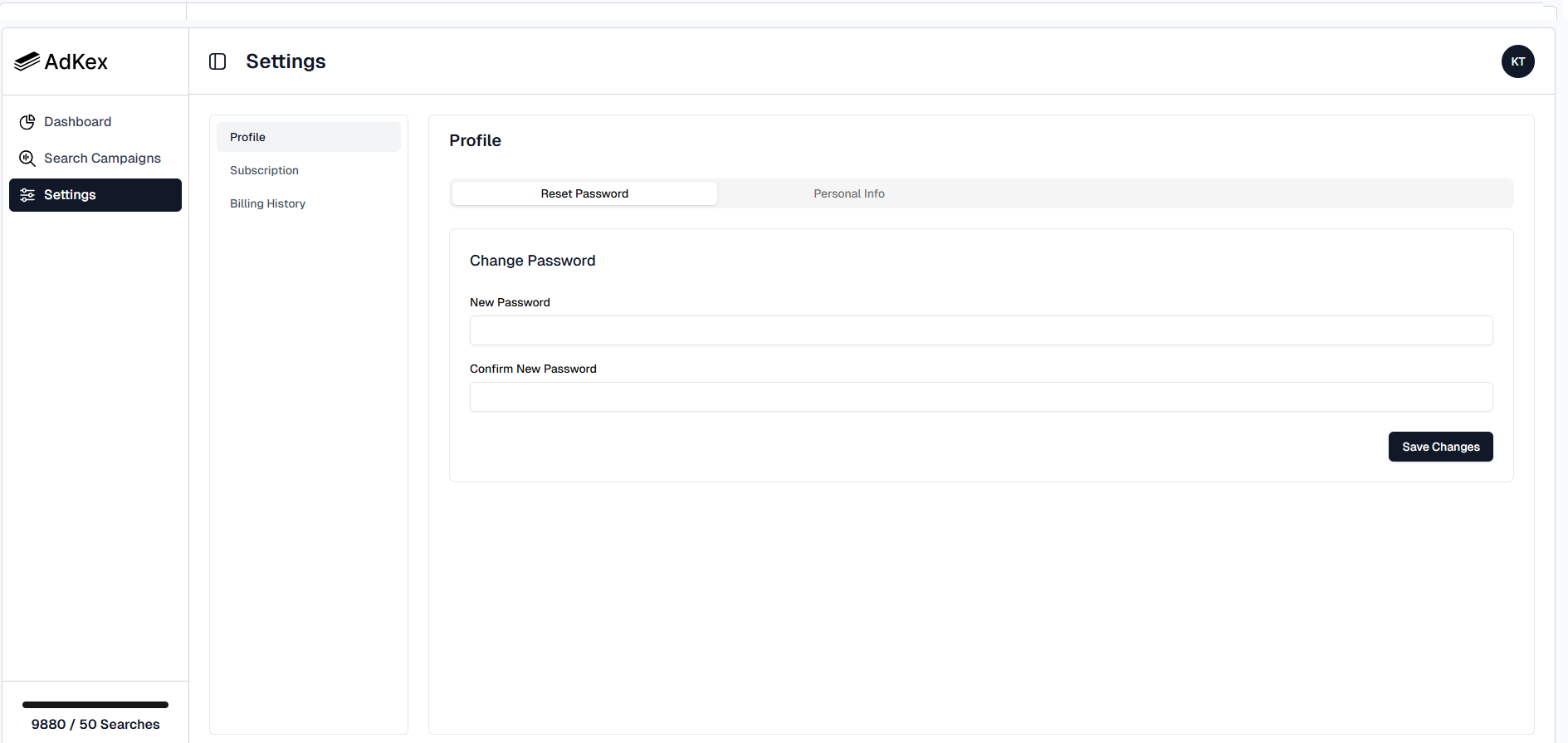
Settings Navigation
Within the Settings page, you will see three main sections:
Profile
Subscription
Billing History
Click on any section to manage the corresponding settings.
Profile
The Profile section allows you to manage your personal information and account security.
Reset Password
To change your password:
Click on the Reset Password tab.
Enter your New Password.
Confirm your new password in the Confirm New Password field.
Click Save Changes.
Your password will be updated once the changes are successfully saved.
Personal Info
Switch to the Personal Info tab to update your account information.
Here, you can manage:
Your name
Be sure to click Save Changes after making any updates.
Subscription
The Subscription section allows you to manage your current plan.
From here, you can:
View your active subscription
See plan details
Upgrade or modify your plan.
Subscription changes may affect your available search credits.
Billing History
The Billing History section provides access to your past invoices and payments.
You can:
View previous transactions
Download invoices
Track payment dates and amounts
Was this helpful?
Still need help? Share an idea