Dashboard Overview
Written By Team AdKex
Last updated 8 months ago
Starting a New Search
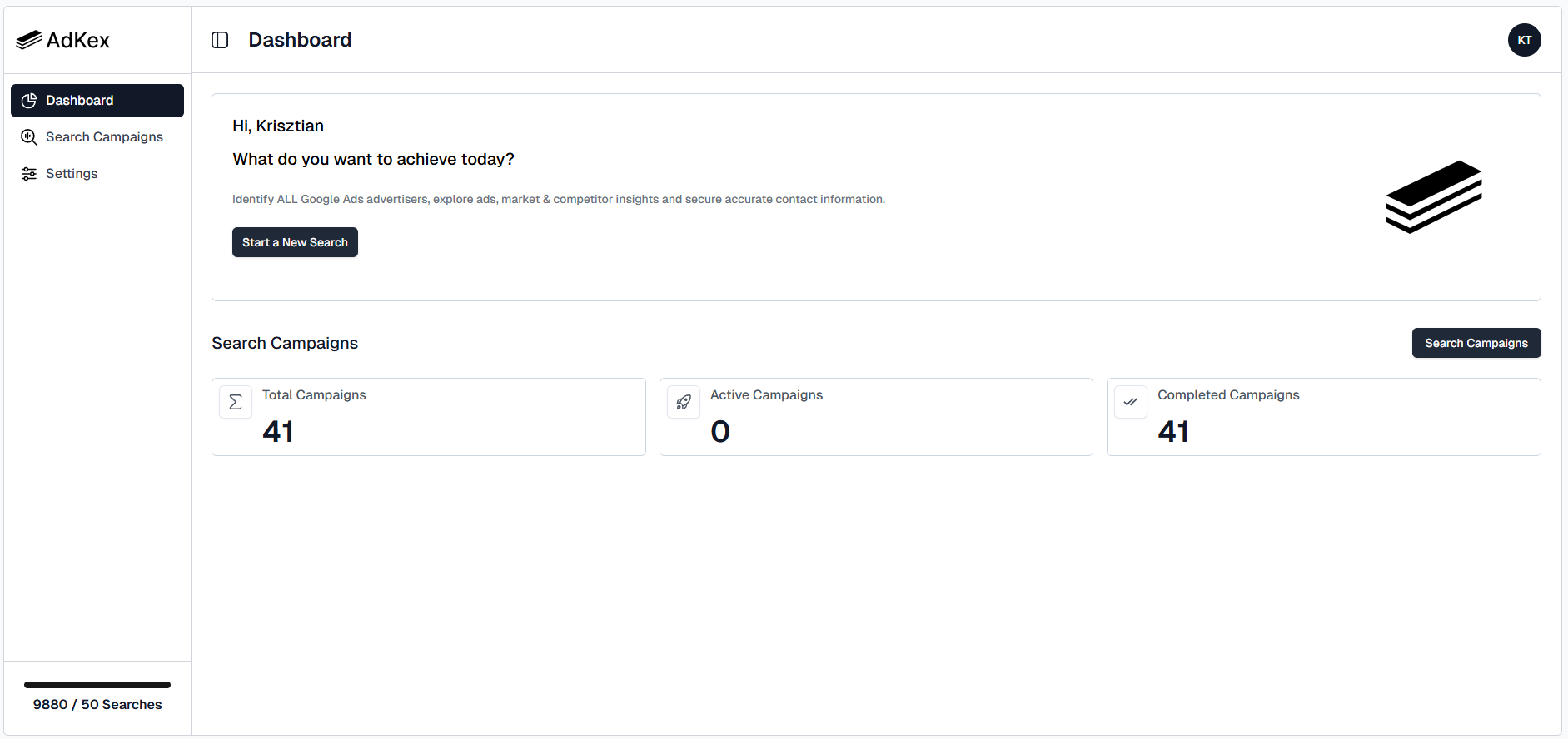
To begin a new campaign:
Navigate to the Dashboard.
Click on Start New Search.
Follow the prompts to set up your campaign.
Once launched, your campaign will appear in your campaign list where you can monitor its progress.
Viewing Campaign Statistics
Your Dashboard provides a quick snapshot of your campaign activity, including:
Total Campaigns – The total number of campaigns you have created.
Active Campaigns – Campaigns that are currently running.
Completed Campaigns – Campaigns that have finished processing.
These statistics help you track performance and understand your current activity at a glance.
Checking Your Credit Balance
Your available credits are displayed in the bottom-right corner of the Dashboard.
The Credit Counter shows how many credits you currently have available.
Credits are used when starting new searches.
Make sure you have sufficient credits before launching a new campaign.
Was this helpful?
Still need help? Share an idea